



Have you ever downloaded a professional document and thought:
“How can I recreate this exact format for my own topic?”
Whether it’s:
- A PDF report
- A Word (.docx) resume
- A business proposal
- A research paper
- An invoice template
- A project documentation file
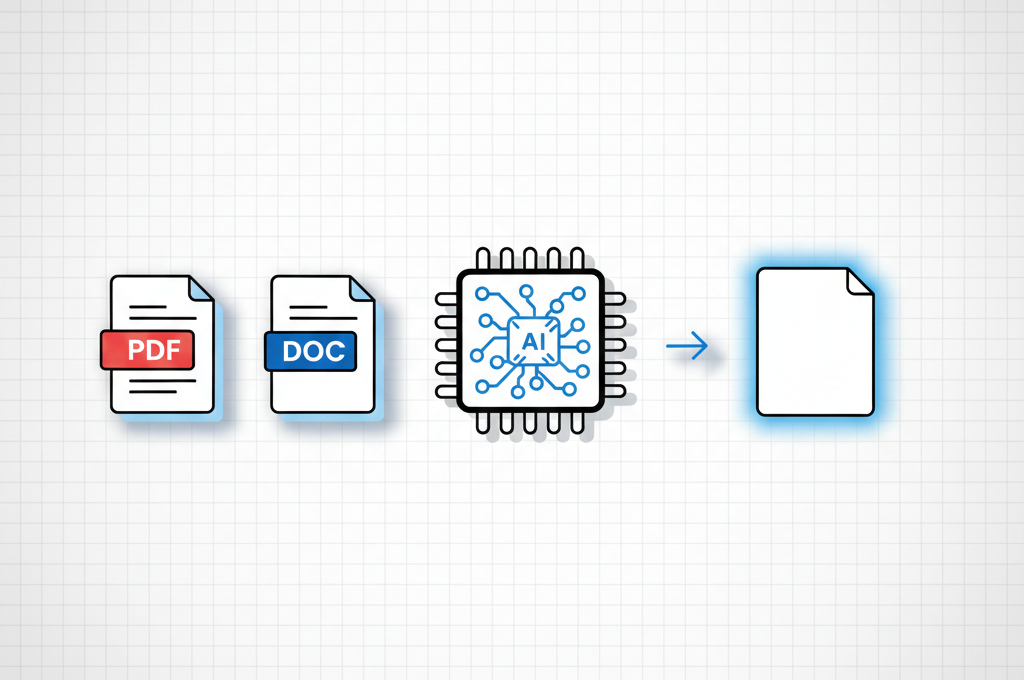
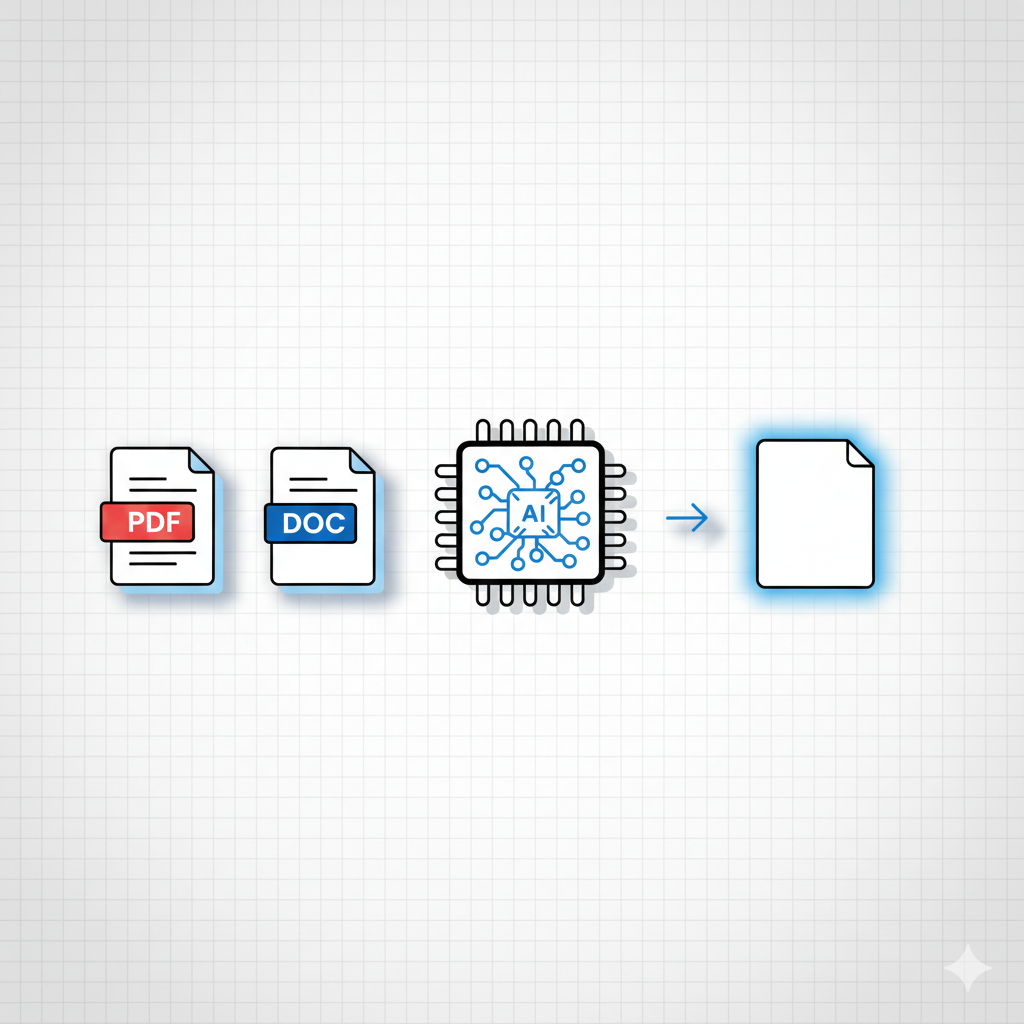
You can now replicate any document structure using AI in minutes.
No design skills required.
This guide shows you exactly how.
What We Are Doing (Important)
We are NOT copying content.
We are:
- Extracting structure
- Understanding layout hierarchy
- Rebuilding formatting logic
- Generating new original content inside that structure
That’s completely different from plagiarism.
Step 1: Choose the Sample Document
Pick any formatted document:
- Word document
- Google Docs file
- Business proposal
- Resume template
Upload it to your AI tool or copy the text into the chat.
We’re going to reverse-engineer its structure.
Step 2: Let AI Analyze the Structure
Tell the AI to focus only on formatting and layout.
Not the content.
AI will break down:
- Title structure
- Heading hierarchy
- Section blocks
- Bullet layout
- Table placement
- Tone style
- Section sequencing
This reveals the hidden blueprint behind the document.
Step 3: Generate Your Own Version
Now ask AI to create a completely new document using the same structure — but with your topic.
That’s it.
You now have a professionally structured document built in minutes.
Why This Works So Well
AI is excellent at:
- Pattern recognition
- Structural analysis
- Formatting logic
- Template recreation
Instead of manually adjusting spacing, margins, headers, and sections, AI replicates the structural framework instantly.
You Might Be interested : Watch movies and shows with ai
You just focus on content.
The Master Prompt (Use This)
Here is the only prompt you need:
I am providing you with a sample document.

Your task is to analyze only its structural layout and formatting logic.

Break down:
- Heading levels and hierarchy
- Section organization
- Formatting style
- Tone structure
- Layout sequencing

Do NOT copy any original content.

Create a reusable document template structure based on this format.

Then generate a new document on [YOUR TOPIC]
using the same structure, ensuring all content is completely original.
Replace [YOUR TOPIC] with whatever you want:
- Resume for marketing intern
- AI research paper draft
- Business proposal for SaaS startup
- Freelancer invoice
- University assignment
Save this prompt. It works across PDF, Word, DOCX, and Google Docs formats.
Final Thoughts
You don’t need to design from scratch anymore.
If you understand structure,
AI can rebuild it.
Once you master this method, you can generate professional documents on demand — faster than most people can format one manually.